
A Guide to Archiving Emails in Gmail
Your secret to reaching 'Inbox Zero' in Gmail might be archiving.
Many users avoid the Archive button because they are terrified their emails will disappear into a black hole, never to be seen again, but this is not the case.
When thinking about archiving in Gmail, it is important to remember that Gmail is made up of labels (folders). Emails in your Inbox have the Inbox label. When you archive an email, you are simply removing the Inbox label and assigning the All Mail label. It does not delete the email. It simply hides it from your immediate view, allowing you to focus on what matters.
Step 1 - Hover your mouse over the email you want to remove and click the Archive icon (it looks like a box with a downward arrow), or you can select the emails you would like to archive and then click the archive button on the top toolbar.

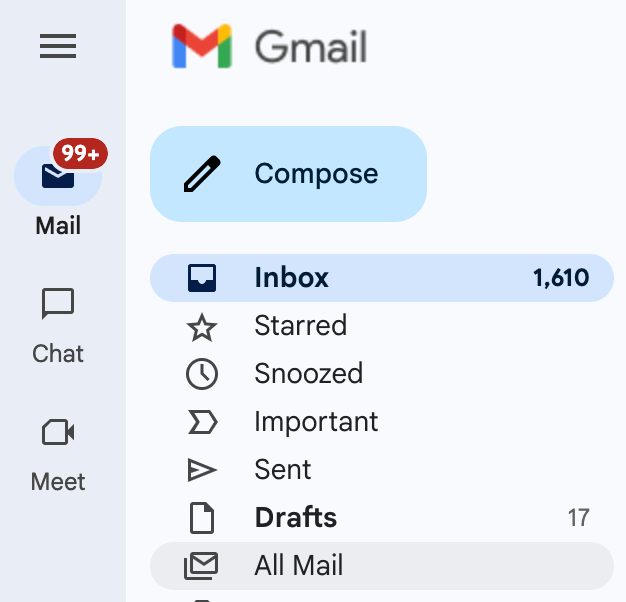
Step 2 - The emails you archive will show up in your Gmail searches, but you can access the All Mail label on the left side of Gmail.
If you want to use the search to find an archived email, you can see only archived mail. You can type this into the search bar: in:inbox.
To learn more about Gmail, we can help you with:
