
Use Gemini to turn PDFs into Podcast-style Audio Summaries
Apr 30
1 min read
In just a few quick steps, you can take a long, boring PDF and turn it into a podcast. We love this feature in Google Drive, it's a new way to analyse PDF content.
Step 1 - Open the PDF file in Google Drive or right-click on the file and select 'Create an audio overview'.

Step 2 - Gemini will analyse the document and create a discussion between two AI voices, lasting between 2-10 minutes long.

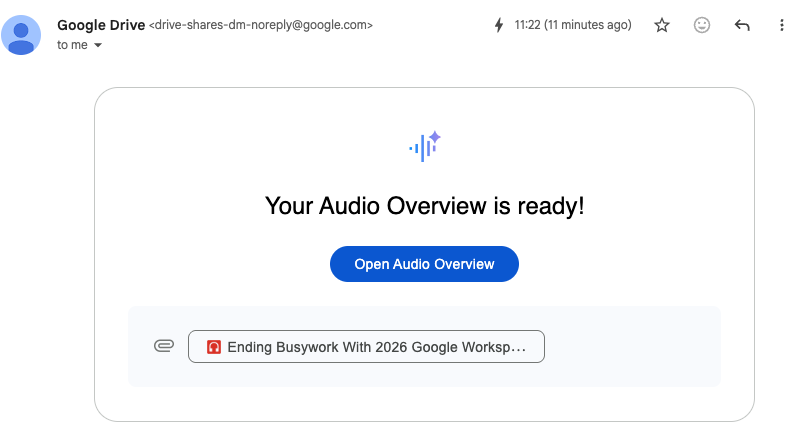
Step 3 - The audio file automatically saves to a new folder in Drive called 'Audio overviews', and you will also receive an email like below.
To learn more about the Gemini App or Google Drive, you can book one of our live training sessions or purchase our on-demand content.

